TheBrain Icons
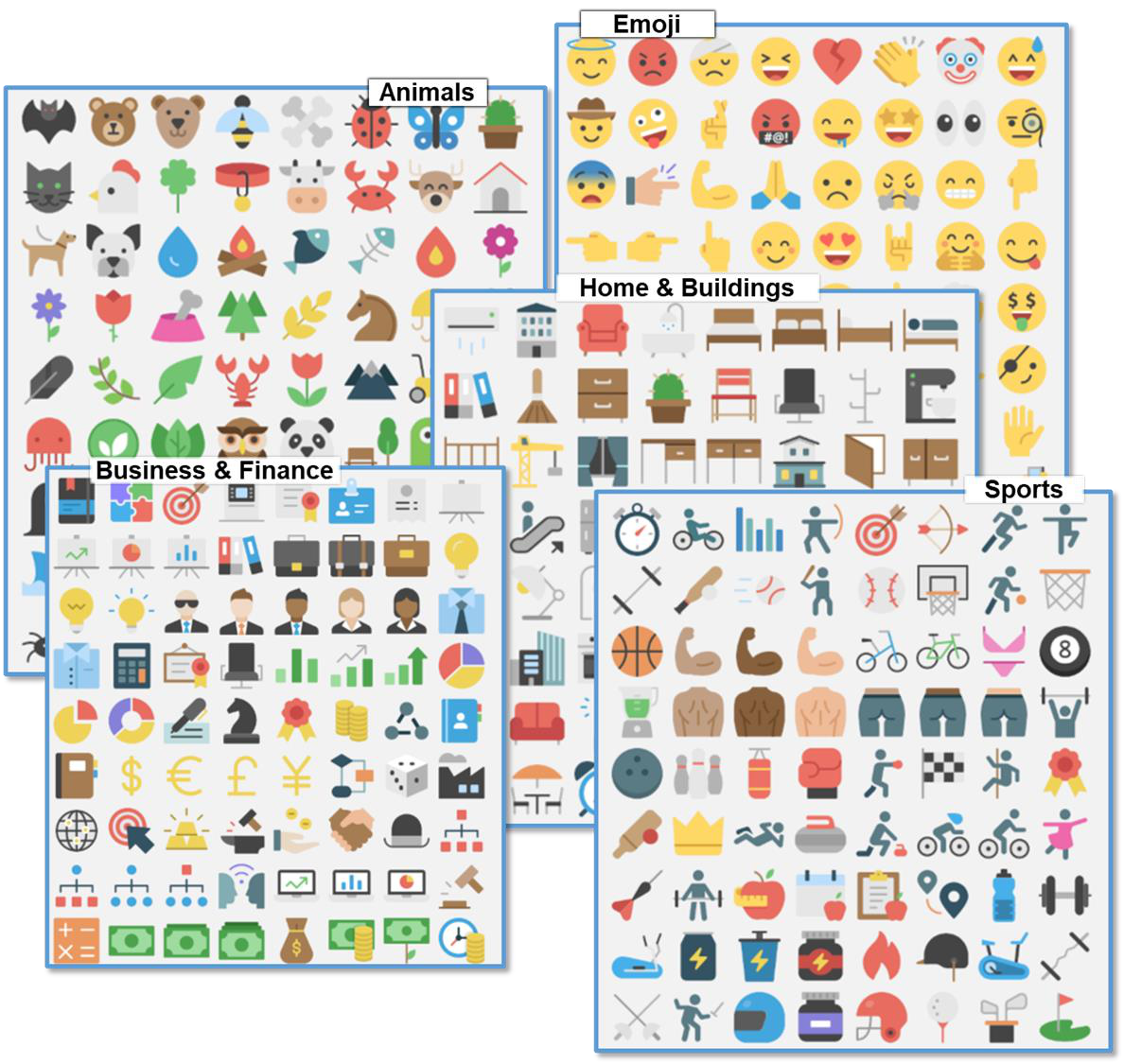
TheBrain includes nearly 2000 built-in icons for your thoughts, Types, and Tags. Choose from 22 different categories such as Animals, Emojis, Food, Multimedia, and Technology, to name a few. Here are some examples:
To select a Brain icon to be added to a thought:
- Right-click the thought, then click Select Stock Icon or open the Thought Properties dialog box, click the thought icon box, then click the Select Stock Icon command.
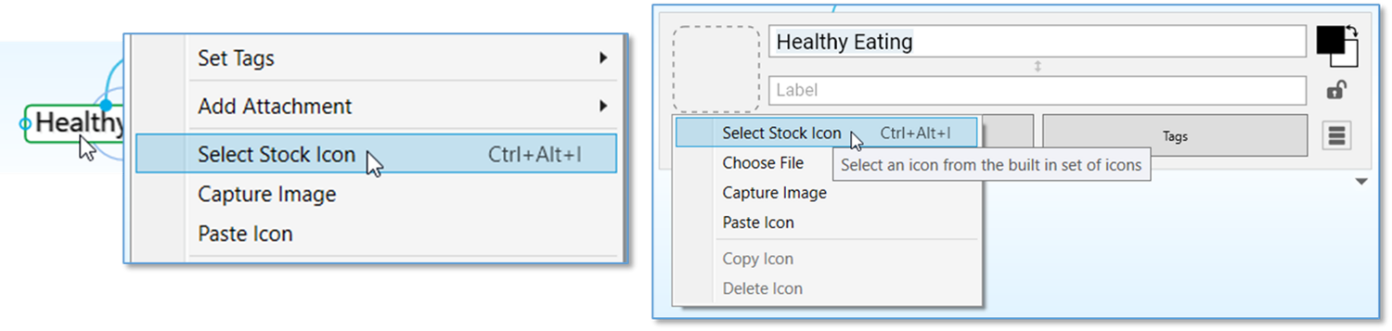
Figure 296. Two Ways to Access Select Stock Icon
- Select the Browse radio button and choose a category from the list
below. The name of the icon will appear when you hover over it. Click
on an icon to add it to the active thought.
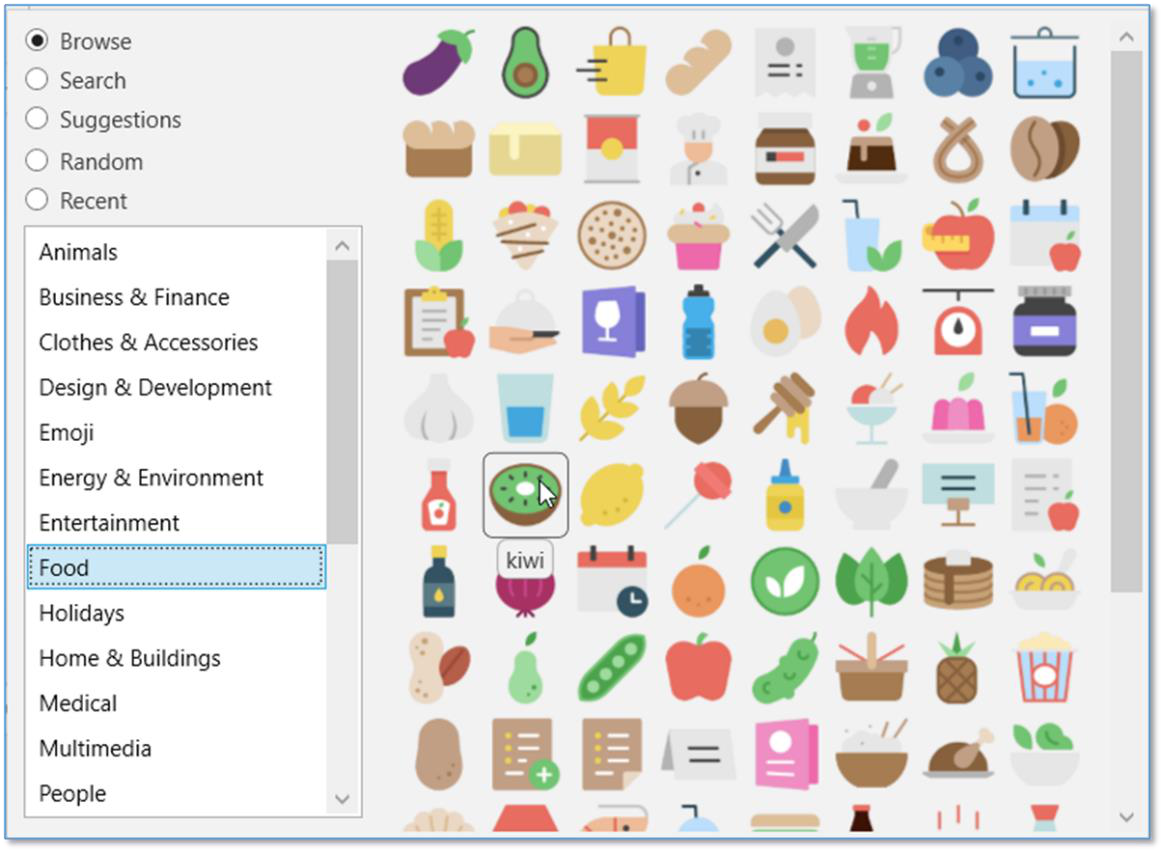
Figure 297. The Food Category
Additionally, you may select one of the other radio buttons:
Search—Type a keyword to filter all icons that match that result
Suggestions—Automatically filters the icon list by using the thought name as
the search criteria
- Random—72 random icons will appear; click the Shuffle button to see a new
set of icons
- Recent—Displays all recently selected icons